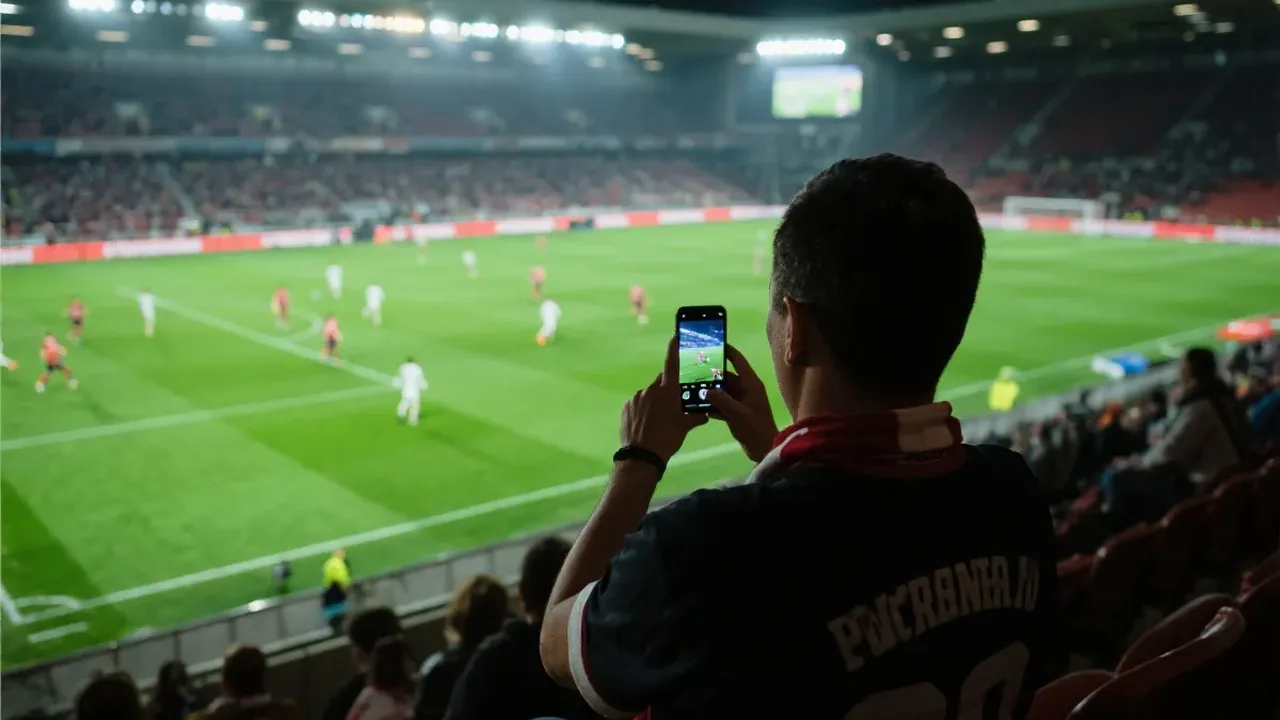
Socolive Football Beginner Guide For New Users
Start watching with Socolive Football using this beginner guide covering setup, finding a match, playback controls, and first day viewing habits.

Improve streaming quality in Socolive Football with network preparation, quality settings, device habits, and match day checks for a clear picture.
Streaming quality is a chain: the source feed, your network, your device, and the quality setting you choose. The picture fails at the weakest link, which is why improving quality starts with diagnosis rather than with the highest setting.
This guide works through the chain in order, using Socolive Football APK on a typical home setup. Most viewers find their weak link inside the first two sections.
A stable connection beats a fast but erratic one for live football. Sit within honest range of the router, prefer the less crowded band your devices support, and pause heavy downloads elsewhere in the house during big matches.
Our dedicated streaming quality guide covers the quality topic from the feed side. This page stays on your side of the wall: the network and habits you actually control.
Quality inside Socolive Football should be judged across a whole match, not a bright opening minute. A setting that sparkles for ten minutes and stumbles for eighty is a bad setting wearing good clothes, and Socolive Football viewers learn to test across ninety minutes.
You cannot cable a phone easily, but you can cable the things around it: a wired TV box or a router placed centrally removes the worst wireless journeys from the chain.
Every metre and wall between router and screen is a small tax on quality. Pay as few of those taxes as your home allows.
The highest setting your network holds for ninety minutes is your correct setting, not the highest the menu offers. Test during a quieter match, watch whether buffering appears, and settle one level below the point where problems start.
The streaming settings guide explains the settings menus themselves. Pair that knowledge with one honest test match and your quality choice stops being a guess.
Close heavy background apps, keep the phone charged or plugged in, and let the device stay cool. A hot, busy phone drops frames that viewers then blame on the stream, which is unfair to everyone involved.
Restart the app cleanly before a big match rather than trusting a session that has been open for days. Fresh starts are the cheapest quality upgrade in this entire guide.
Different matches stress a stream differently. A rainy night game with fast counters asks more of Socolive Football delivery than a slow midfield contest, so judge your Socolive Football settings across several matches before declaring them final.
Mid match drops usually mean the household network woke up: someone started a download, a stream, or a backup. Lower the quality one step immediately rather than enduring repeated buffering at a setting the evening cannot support.
Note the pattern if it repeats. Quality problems that arrive at the same time each match day are household schedules introducing themselves, and they can be planned around.
Households improve fastest when one person owns the quality settings. Endless per match adjustments by different hands make Socolive Football results unreadable, while one steady hand produces data the whole house can trust.
Save your highest demands for the matches that deserve them. A mid table league game forgives a modest picture, while a final deserves every preparation this page describes.
Matching effort to occasion keeps quality work sustainable across a long season.
Because the setting asks more of your network than it can steadily give. The correct setting is the highest one your connection holds for a full match.
Use a quieter match, start at the default, and raise quality gradually across matches until buffering appears. Then settle one level below that point.
Indirectly. Cabling the TV box or placing the router centrally shortens the wireless journey, which steadies the connection your phone receives.
Lower the quality one step right away and check whether something else in the house has started using the network heavily.
Streaming quality is mostly preparation wearing a technical costume. A steady network, an honest setting, and a cool device deliver the picture fans keep chasing through menus.
Find your chain's weakest link once, fix it properly, and quality becomes a habit rather than a hope.
Start watching with Socolive Football using this beginner guide covering setup, finding a match, playback controls, and first day viewing habits.
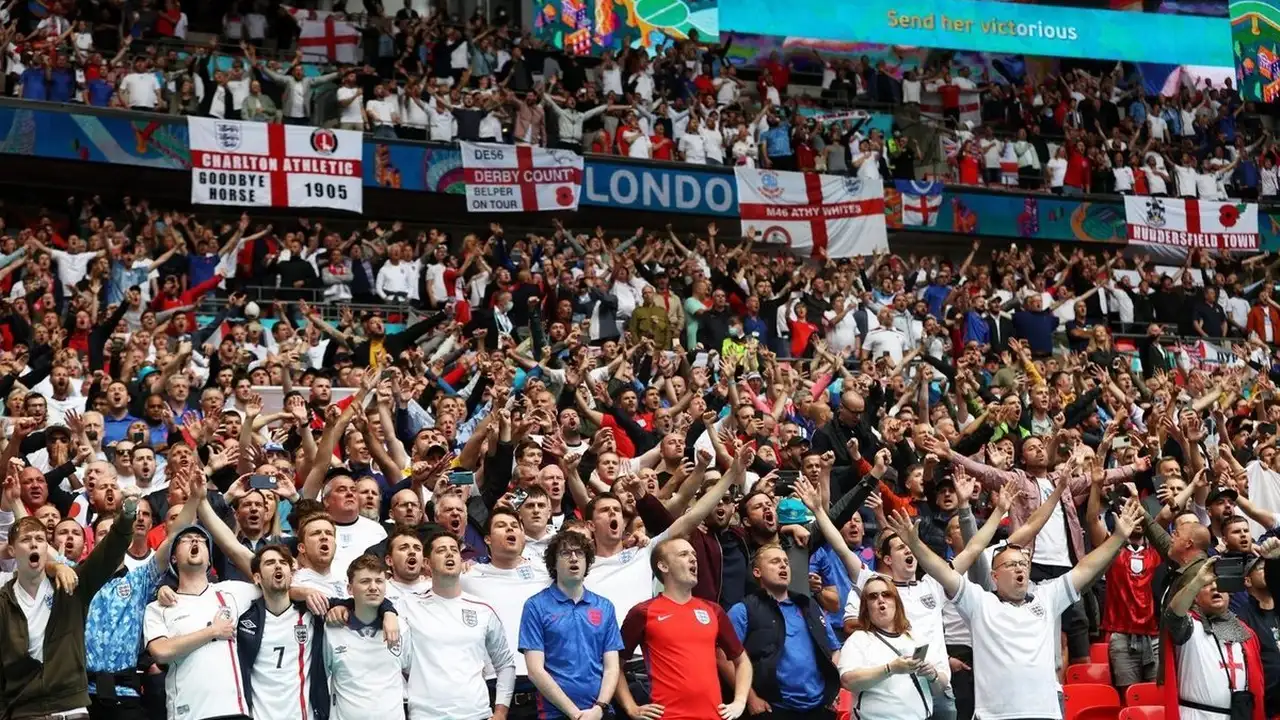
Follow the Premier League with Socolive Football, covering match weeks, big fixtures, title races, and how to organise your viewing across a long season.

Follow the UEFA Champions League with Socolive Football, from the league phase to the knockout rounds and the final, with viewing tips for European nights.
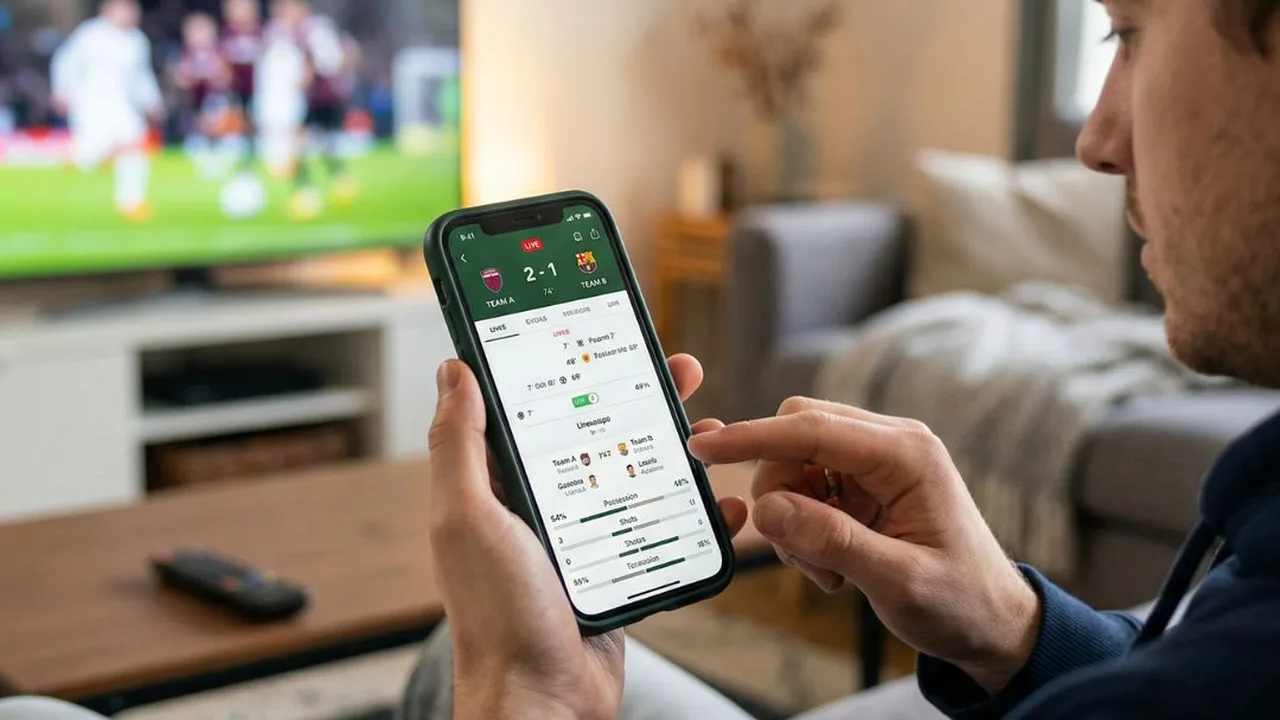
Use Socolive Football live scores and match information to follow games you cannot watch, with habits for busy days and multiple kickoffs.
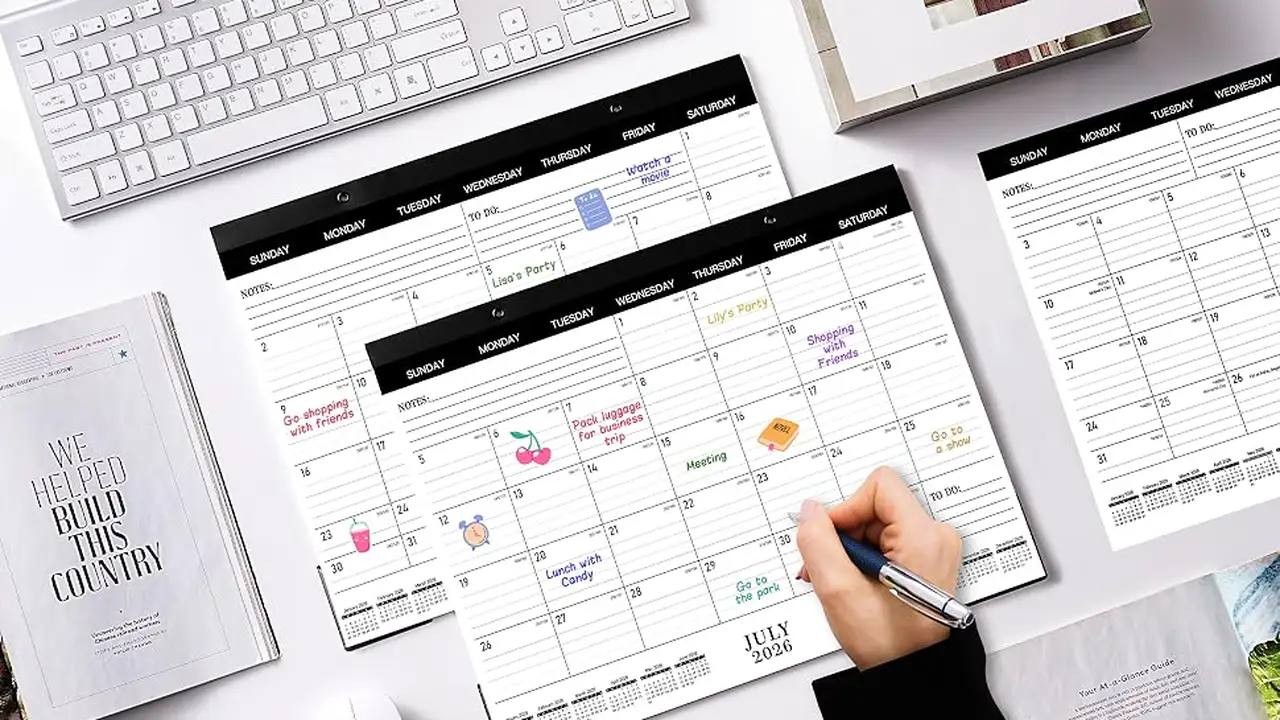
Plan your football week with Socolive Football schedules, covering fixture lists, kickoff times, timezone checks, and weekly viewing planning.
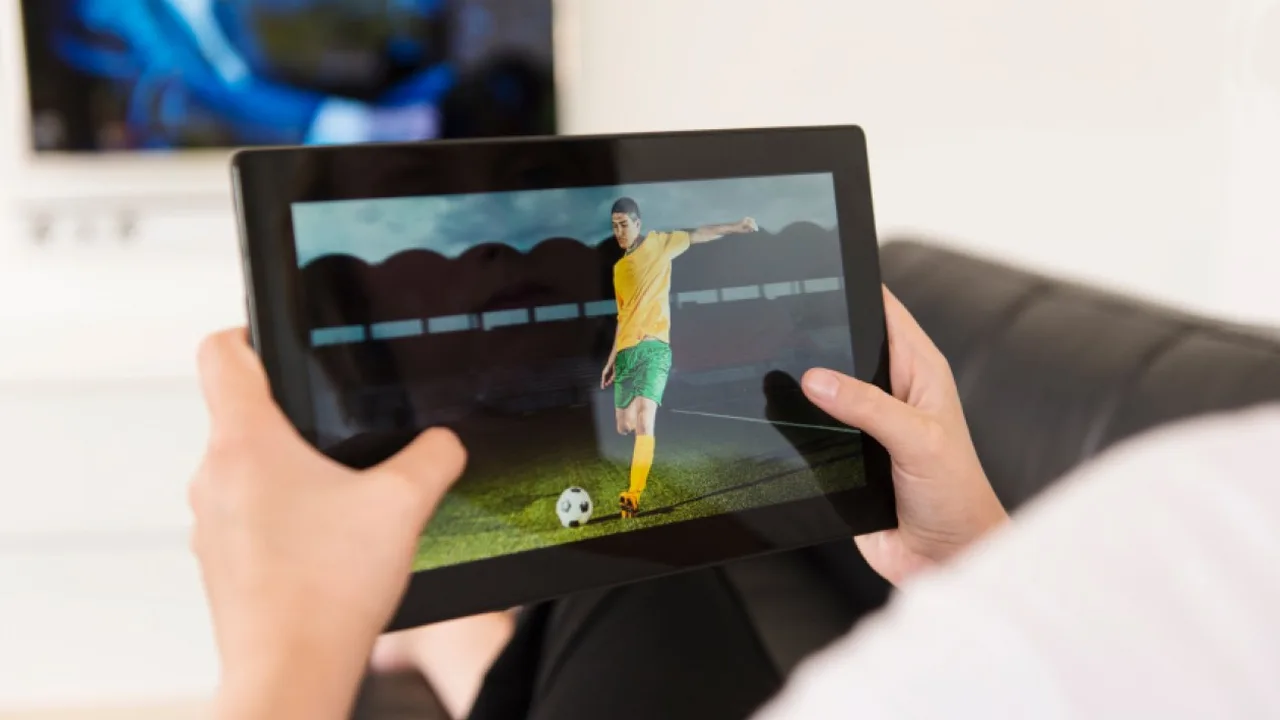
Watch Socolive Football on a tablet with setup, stand, and viewing tips that turn the bigger screen into your most comfortable match day seat.