
Socolive Football Beginner Guide For New Users
Start watching with Socolive Football using this beginner guide covering setup, finding a match, playback controls, and first day viewing habits.

Fix buffering in Socolive Football with an ordered checklist covering signal, router load, quality settings, and device health, from fastest win to deepest cause.
A stream buffers when data arrives slower than playback consumes it. Behind that sentence sit only a few usual suspects: weak signal, a busy network, a quality setting above the connection, or a struggling device. This guide checks them in the order that fixes most matches fastest.
Work through it calmly with Socolive Football APK open, testing after each step. Changing everything at once fixes nothing you can learn from.
Move closer to the router or into the room it serves, and watch whether buffering fades within a minute. Walls, floors, and metal cabinets tax wireless signals heavily, and live video pays those taxes first because it cannot wait.
Our errors and fixes guide gathers the wider family of streaming problems. Signal remains the head of that family, which is why this guide starts here and why so many fixes end here too.
Most Socolive Football buffering is environmental, which is good news disguised as frustration: environments can be changed. A Socolive Football stream struggling through three walls and a busy router is not a broken app, it is a solvable address problem.
Routers that have run for months accumulate odd behaviour. A restart before a big match clears it, and many chronic buffering stories end with this unglamorous step.
Restart, wait for full service, then test the stream during warm up coverage. Big matches deserve a fresh router the way they deserve a charged phone.
Pause downloads, updates, cloud backups, and other streams elsewhere in the house. A connection shared with a game download is not a slow connection; it is a divided one, and live football loses divisions it would win alone.
If buffering follows a household pattern, arriving when someone comes home or a backup runs nightly, you have found a scheduling problem wearing a technical costume. Plan around it openly.
Lower the quality setting one step and give it two minutes. If the stream stabilises, the previous setting was simply above what this evening's connection can hold, and the correct response is acceptance, not repeated attempts at the higher level.
The streaming quality guide explains the quality choices in full. A stable picture at a modest setting beats a spectacular one that visits in fragments.
Keep notes when buffering strikes, because Socolive Football problems that repeat at the same hour on the same days are schedules, not mysteries. A note saying Tuesday, nine, backup running has fixed more Socolive Football streams than any setting.
Close heavy apps, let a hot phone cool, free a little storage, and restart the app. Devices under pressure drop the frames and stall the buffers that viewers blame on the stream, and the fix is housekeeping rather than settings.
If one device buffers while another on the same network plays cleanly, the device has confessed. Believe it, and maintain it before the next match.
If your household watches together, make the fixes a shared project. A router moved once, with everyone's agreement, improves Socolive Football for every match and every viewer, permanently. Lone troubleshooting rarely survives contact with a family's habits.
Rare evenings defeat every step: a provider fault, a neighbourhood outage, a storm. On those nights, follow by scores and watch the recording or highlights later, with your dignity and evening intact.
Knowing when to switch plans is a viewing skill. Not every battle with a spinning circle deserves to be fought to full time.
A connection that cannot steadily deliver the chosen quality, usually because of weak signal or other household activity sharing the network.
Try position first, because it costs nothing and fixes the root cause. If you cannot move, lowering quality one step is the reliable answer.
Household patterns, such as backups, other streams, or people arriving home, divide the connection on a schedule. Noting the pattern lets you plan around it.
Yes. Routers accumulate faults over months of uptime, and a restart before a big match is one of the highest value steps in this guide.
Buffering surrenders to an ordered checklist: signal, network load, quality honesty, and device health, tested one step at a time.
Work the list and most spinning circles vanish by step two. What remains is rarer, diagnosable, and no longer mysterious.
Start watching with Socolive Football using this beginner guide covering setup, finding a match, playback controls, and first day viewing habits.
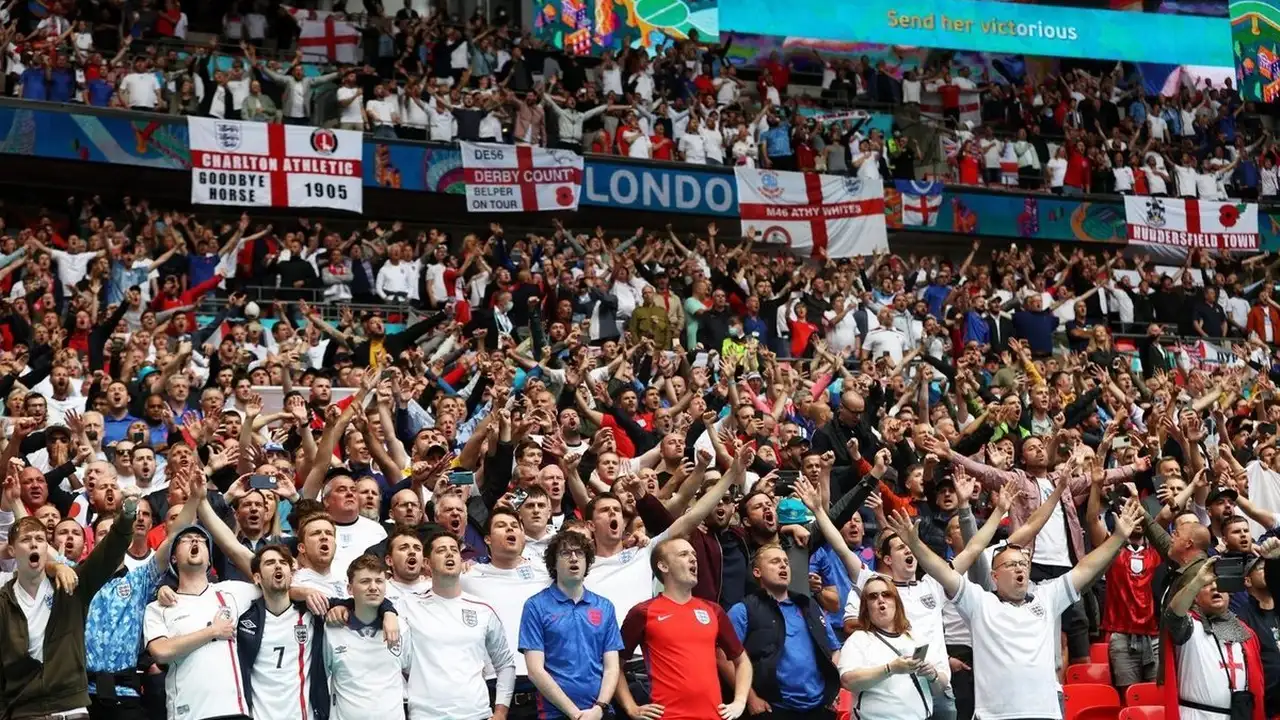
Follow the Premier League with Socolive Football, covering match weeks, big fixtures, title races, and how to organise your viewing across a long season.

Follow the UEFA Champions League with Socolive Football, from the league phase to the knockout rounds and the final, with viewing tips for European nights.
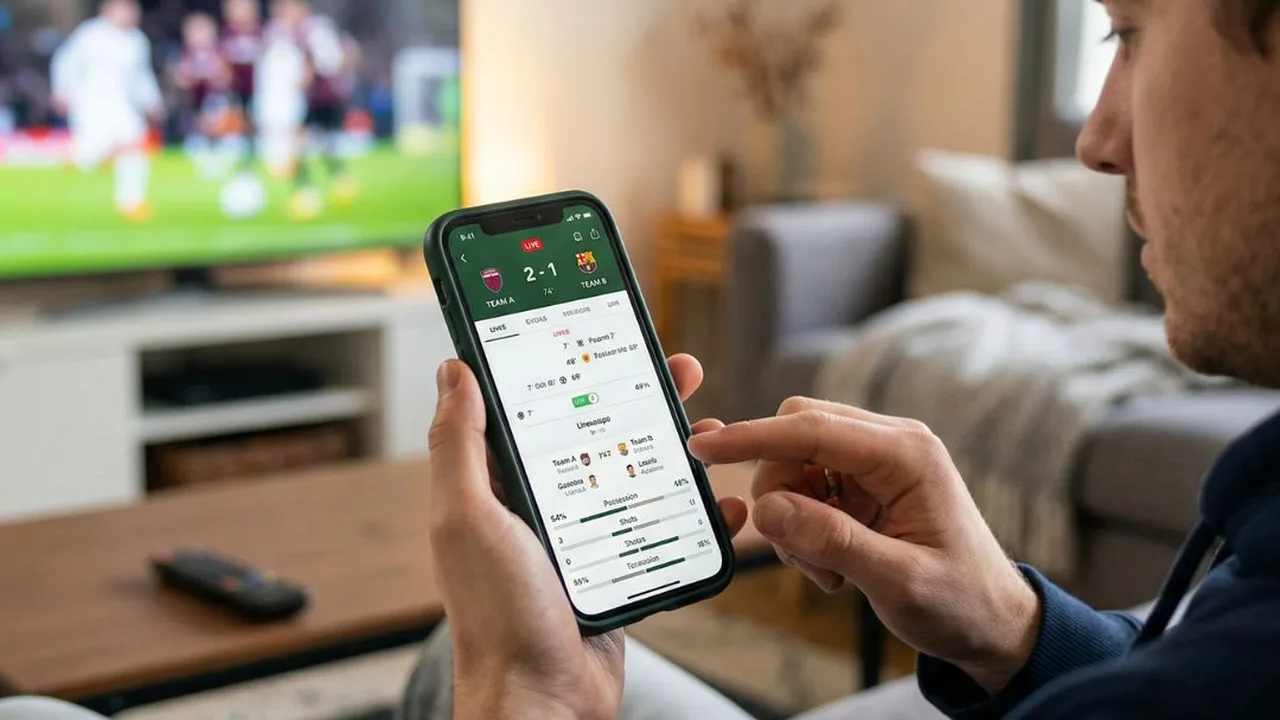
Use Socolive Football live scores and match information to follow games you cannot watch, with habits for busy days and multiple kickoffs.
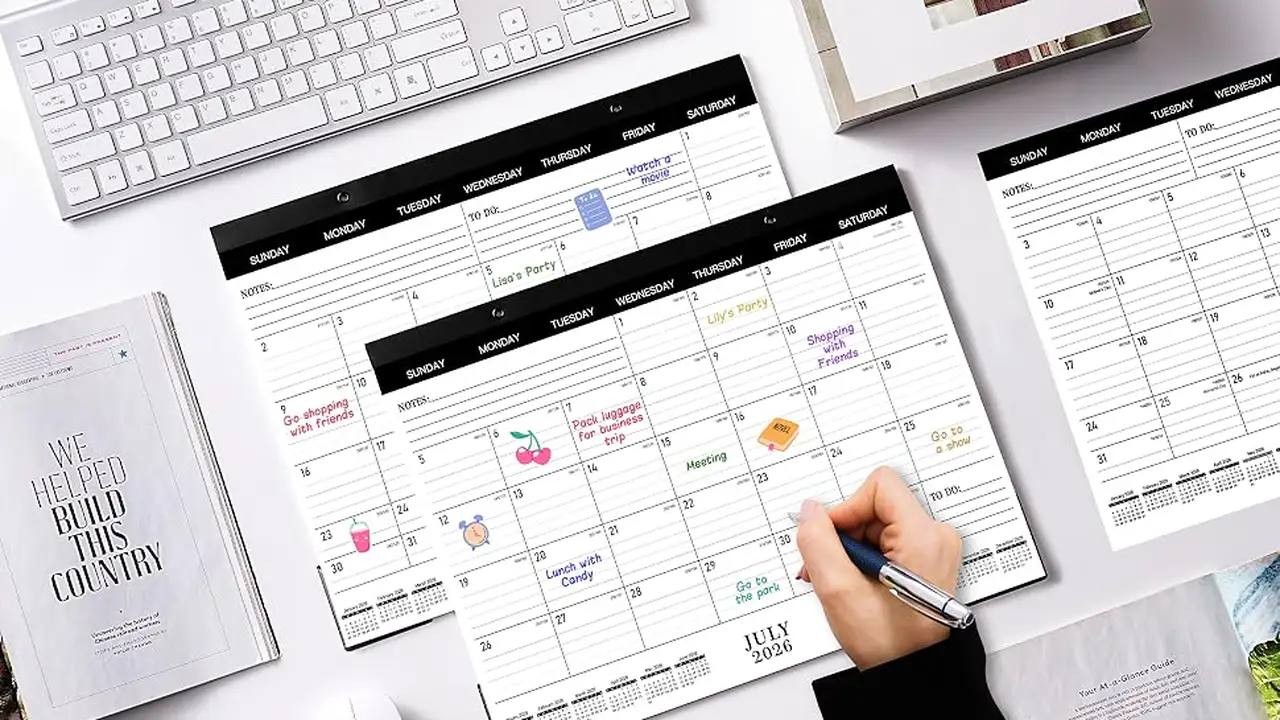
Plan your football week with Socolive Football schedules, covering fixture lists, kickoff times, timezone checks, and weekly viewing planning.

Improve streaming quality in Socolive Football with network preparation, quality settings, device habits, and match day checks for a clear picture.