Socolive Football Beginner Guide For New Users
Start watching with Socolive Football using this beginner guide covering setup, finding a match, playback controls, and first day viewing habits.

Understand Socolive Football data usage, how quality settings change consumption, and how to watch sensibly on mobile data without surprises.
On home WiFi, data is effectively unlimited for most households, and nobody counts it. On mobile data, every match has a price measured in gigabytes, and fans who learn the exchange rate watch more football for the same money.
This guide explains what drives consumption in Socolive Football for Android and how to set up mobile viewing that respects a data plan without ruining matches.
Picture quality and data consumption are the same dial seen from two sides. Higher quality sends more data per minute, lower quality sends less, and the difference across ninety minutes is large enough to decide a month's viewing on a small plan.
The streaming settings guide explains the settings themselves. On mobile data, choose the setting by the plan first and by preference second, and save the highest quality for WiFi.
Socolive Football on mobile data is a budgeting exercise with a happy ending available. Fans who set Socolive Football quality by their plan, and keep home viewing reliable, watch full seasons without a single data emergency.
Not every minute of fandom needs video. Scores and match information consume almost nothing, and they keep you inside a match when data or circumstances forbid the stream.
A smart mobile fan mixes the gears: stream the matches that matter, score follow the rest, and the plan survives the month.
A full match at a modest quality setting is a planned purchase: check your remaining allowance before kickoff, close other apps that refresh in the background, and let the stream be the phone's only heavy job.
Our streaming quality guide covers quality from the picture side. Combined, the two guides give you both dials: what a setting looks like, and what it costs.
Most mobile data football happens because home viewing failed: the WiFi dropped, the TV setup broke, or the match started while you were out. Reliable home viewing is therefore a data saving strategy, not just a comfort.
Keep the home setup maintained and the app updated, and mobile data returns to its proper role: the backup for travel days and emergencies, not the main supply.
Travel exposes data habits most honestly. A Socolive Football match streamed in a hotel on mobile data, with background apps drinking quietly behind it, teaches lessons no guide can. Prepare Socolive Football viewing before the journey, not during it.
Closing and reopening the stream does not save data; reconnecting often costs a little extra. Watching at a quality your connection cannot hold wastes the most data of all, because buffered fragments are downloaded and discarded repeatedly.
The honest savings are boring: lower quality, stable connection, background apps closed, and scores for the matches that do not make your personal top tier.
Families sharing plans should treat Socolive Football usage as a household conversation, held once and kindly. Agreed quality settings inside Socolive Football end the monthly mystery of the vanished allowance better than any monitoring app.
Plans run out near month end, exactly when run in fixtures arrive. Keep a small reserve untouched for the season's decisive weeks, the way you would keep any other match day essential.
A fan with a reserve watches the title decider. A fan without one reads about it.
It depends mainly on the quality setting and the stability of the connection. Higher quality uses considerably more over ninety minutes, so mobile viewers should choose settings by their plan.
Lower the quality setting, close other apps that use data in the background, and keep the connection stable so buffered data is not wasted.
For matches you are following casually, yes. Scores and match information use almost no data compared with a video stream.
Yes. When a stream repeatedly buffers at a setting the connection cannot hold, downloaded fragments are discarded, which is the most wasteful way to watch.
Data usage is simply quality viewed as a budget. Fans who understand the exchange rate stop fearing mobile viewing and start planning it.
Set quality by the plan, keep home WiFi reliable, and let scores carry the quieter matches. The football stays, and so does the allowance.
Start watching with Socolive Football using this beginner guide covering setup, finding a match, playback controls, and first day viewing habits.
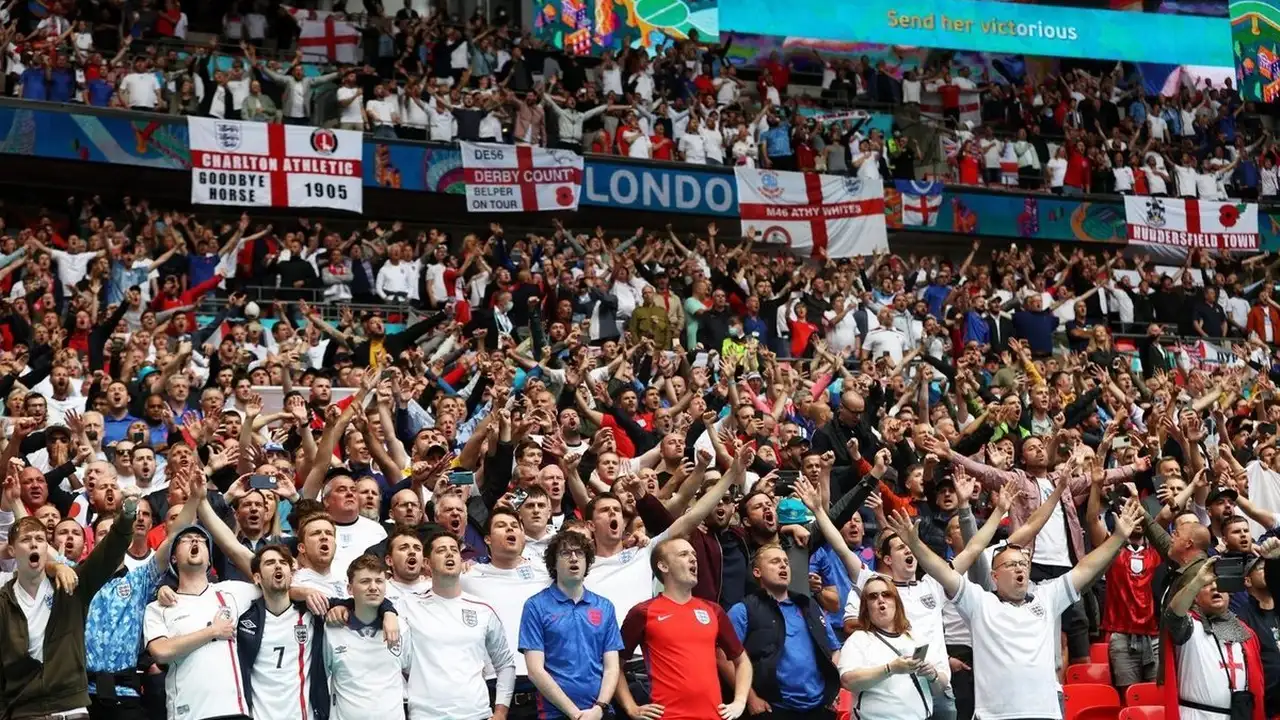
Follow the Premier League with Socolive Football, covering match weeks, big fixtures, title races, and how to organise your viewing across a long season.

Follow the UEFA Champions League with Socolive Football, from the league phase to the knockout rounds and the final, with viewing tips for European nights.
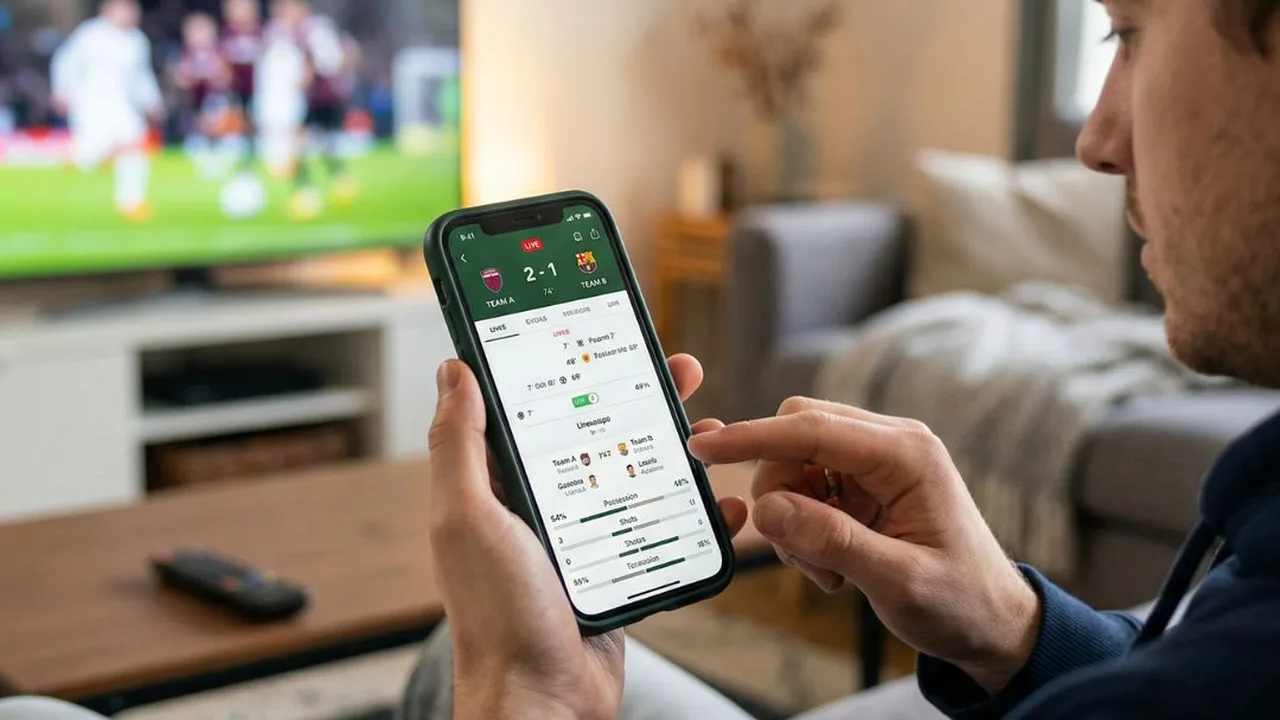
Use Socolive Football live scores and match information to follow games you cannot watch, with habits for busy days and multiple kickoffs.
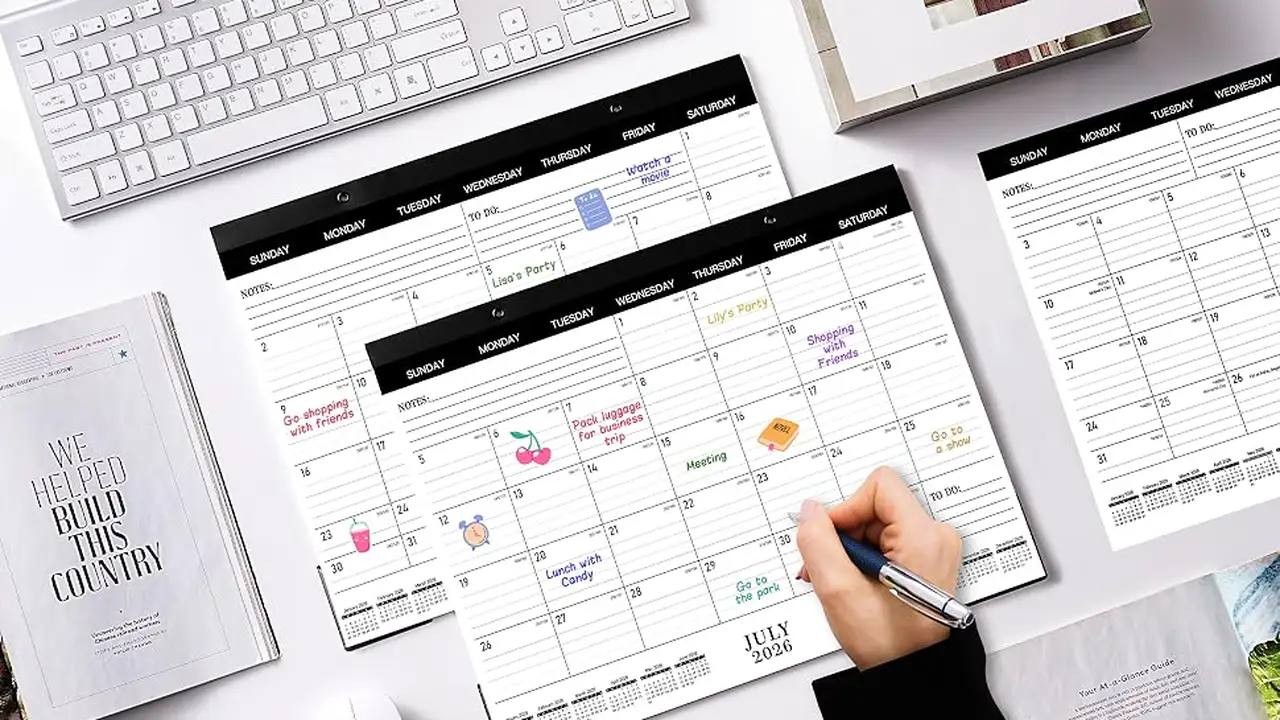
Plan your football week with Socolive Football schedules, covering fixture lists, kickoff times, timezone checks, and weekly viewing planning.

Improve streaming quality in Socolive Football with network preparation, quality settings, device habits, and match day checks for a clear picture.